

Firefox version 157, or FX 157, introduces the new visual look that has been in test use for some time, which Firefox developer Mozilla praises as being modern, yet not generic.
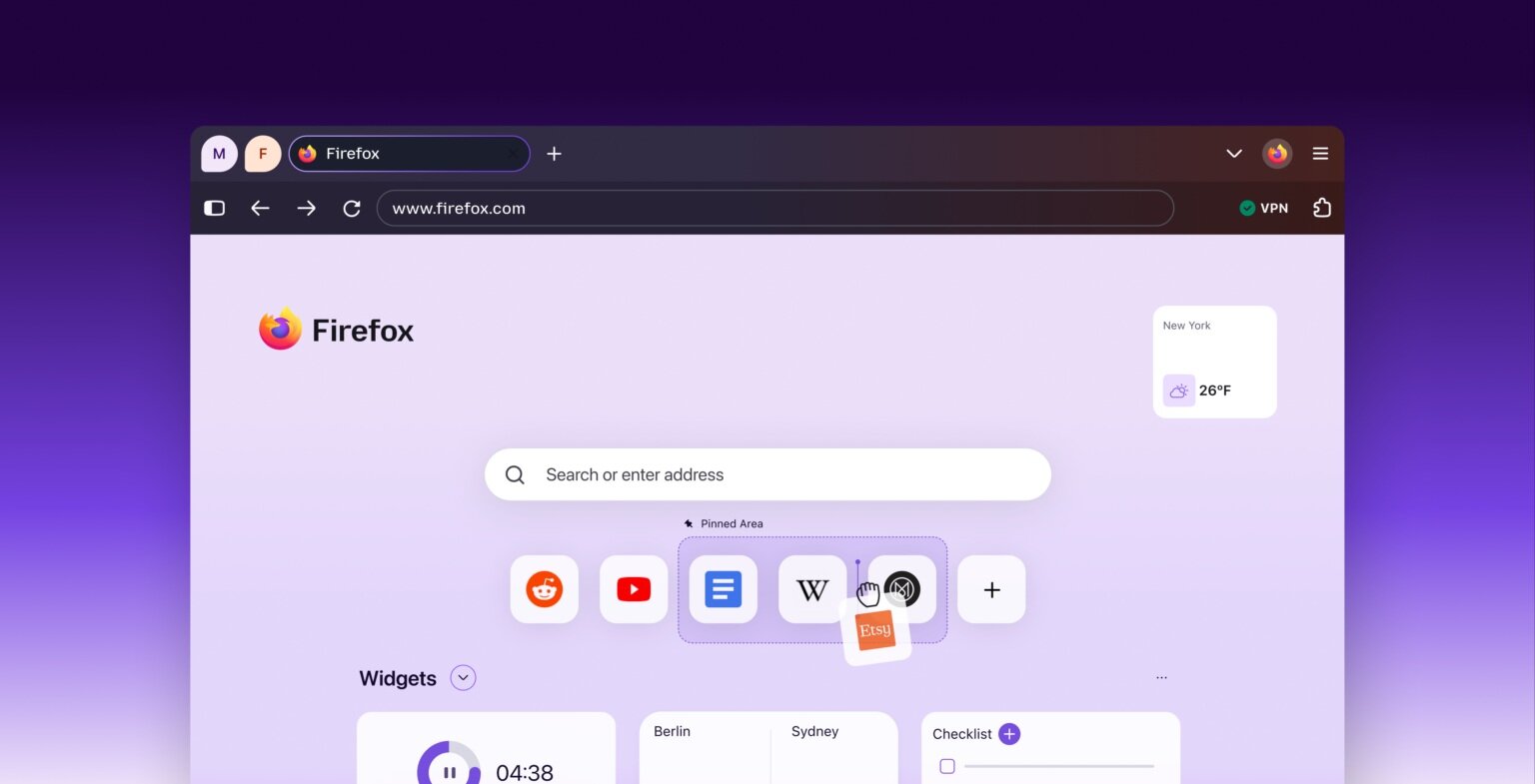
Firefox's Nova look
The new visual look is named Nova and is the product of long development. However, some users have not exactly fallen in love with the new look on social media, and tips have already been shared online on how to revert the appearance to the previous version.
The trick is done by typing about:config into the browser's address bar and then navigating to the settings hidden under the browser's hood. By finding the setting browser.nova.enabled and changing it from true to False, the browser will revert to the previous Firefox appearance when restarted.
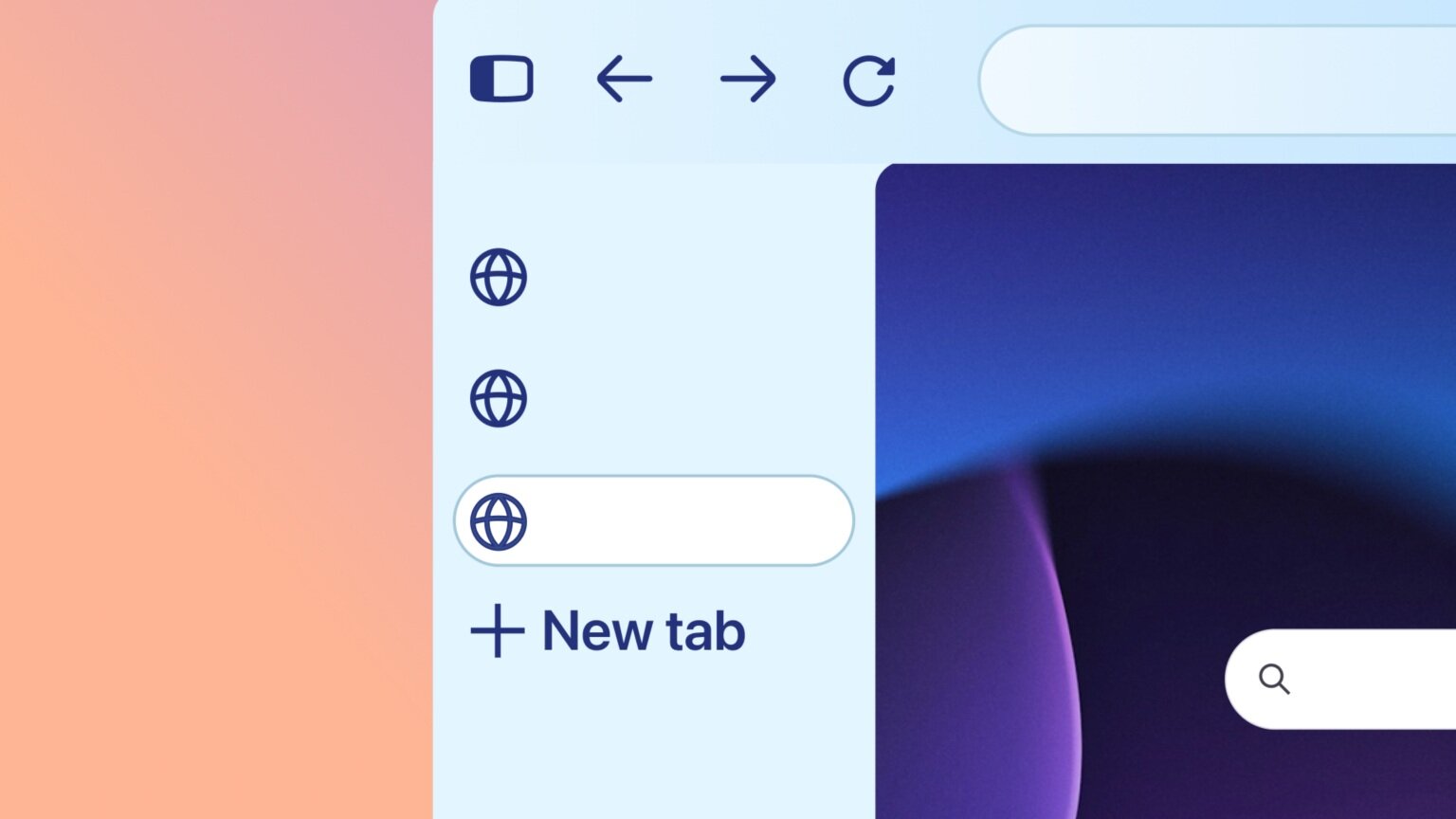
Firefox 157 also brings back the compact mode, where the browser's navigation elements take up less space.
The revamped Firefox is available for download on all supported computer operating systems (Windows, macOS, Linux) and mobile phones (iOS, Android). Download links can be found directly on Firefox's website.
Written by: Petteri Pyyny @ 1 Oct 2026 14:06
